 Spine plugin for Solar2D
skeleton:inject()
Type:
functionOverview:
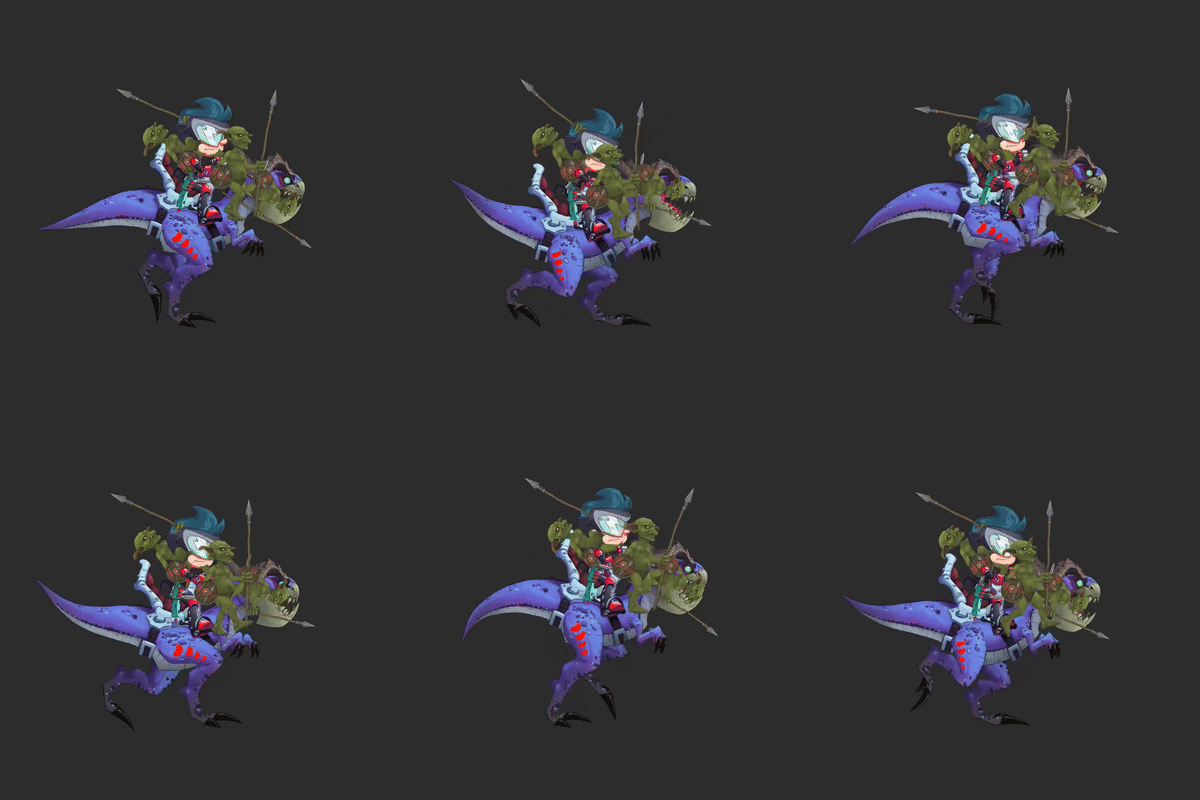
Injects a Solar2D display object on top of a given slot. This lets you attach custom display objects like images, effects or even another skeleton instance to a slot, with a injectionEvent function that let’s you track the slot’s transform updates.
If you try re-inserting the same object, it will overwrite the previous one, but if you only want to update the slot it is attached to, it is recommended to use the changeInjectionSlot function instead.
Note
When an object is removed, it is automatically ejected from the skeleton.
Syntax:
skeleton:inject(object, slotName, listener)
object(required):displayObject– The Solar2D display object to attach.
slotName(required):string– The slot to which the object will attach.
listener(required):function– A callback invoked on every slot transform update. See injectionEvent for more details.
Example:
local function listener(event)
    print("Slot:", event.slot)
    print("Position:", event.x, event.y)
    print("Rotation:", event.rotation)
    print("Scale:", event.xScale, event.yScale)
    print("Alpha:", event.alpha)
end

skeleton:inject(displayObject, "slotName", listener)